
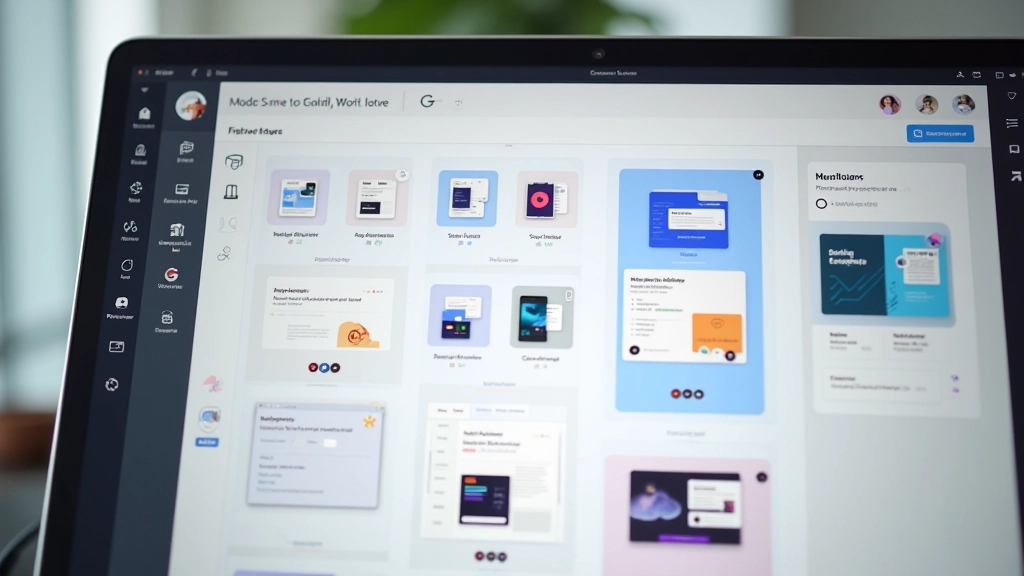
Building a Component Library That Actually Works
Step-by-step approach to organizing components, creating variants, and documenting them so your whole team can use them properly without confusion.
Read MorePractical resources on component libraries, design systems, and collaborative prototyping processes for creative teams working in Malaysia and beyond

Learn how to structure your design workflow, build scalable component systems, and improve team collaboration
Step-by-step approach to organizing components, creating variants, and documenting them so your whole team can use them properly without confusion.
Read More
The difference between a design system that collects dust and one that gets used every day. Includes practical tips from teams doing this successfully.
Read More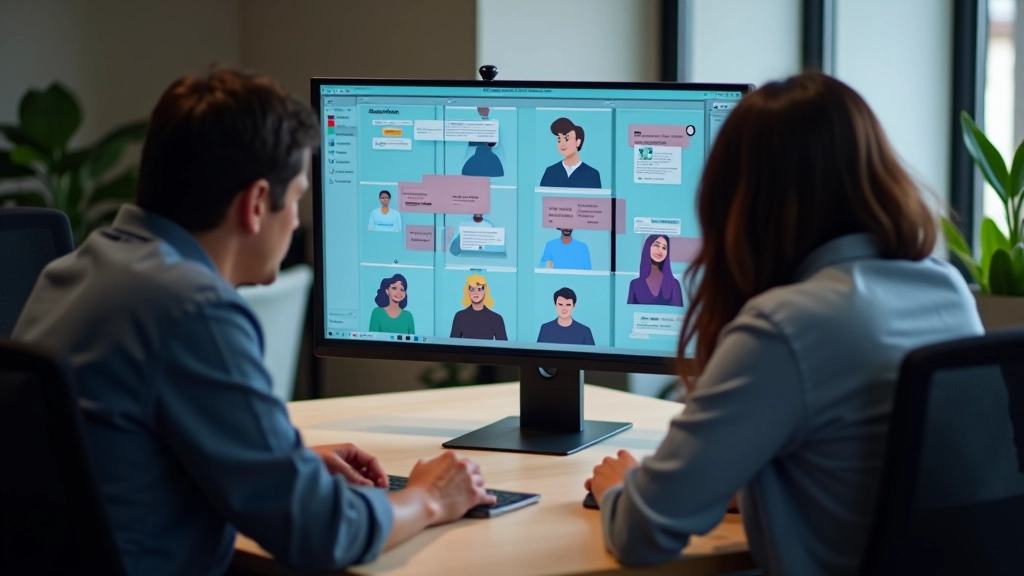
How to set up Figma for remote and hybrid teams so feedback flows naturally and everyone knows what’s happening without constant meetings.
Read More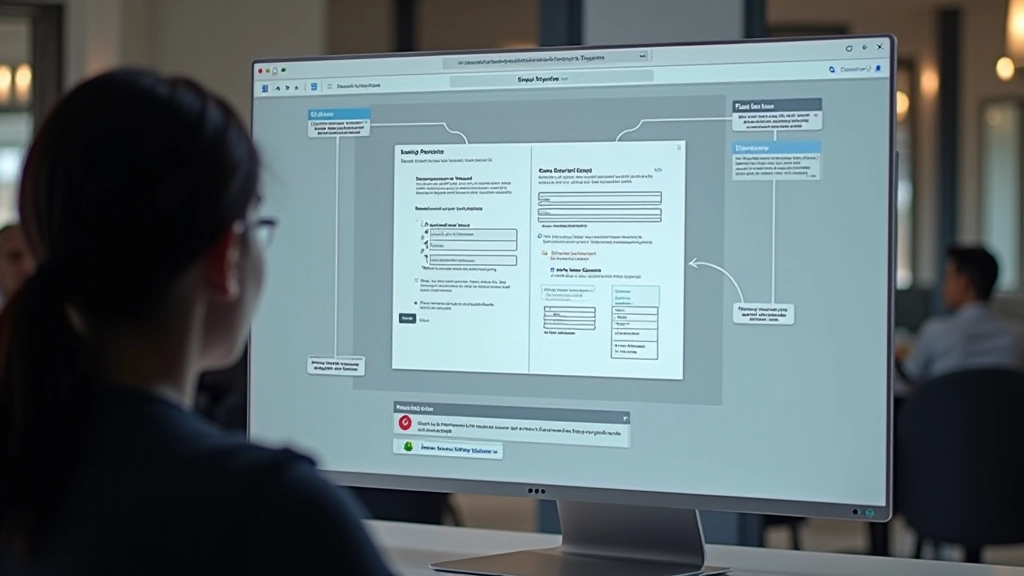
Creating interactive prototypes that actually feel like the final product. Covers interactions, animations, and testing with users without building code.
Read MoreUnderstanding these foundational ideas helps teams move faster and produce better design work
Breaking interfaces into atoms, molecules, and organisms makes components reusable and scalable. It’s not just theory — teams using this approach report faster design-to-development handoffs and fewer inconsistencies.
Using tokens instead of hardcoded values means you can update colors, spacing, or typography across an entire project instantly. Figma’s variables feature makes this practical for even small teams.
Keeping a clear record of why decisions were made and when changes happened prevents teams from rehashing old arguments. It’s tedious but saves hours later.
Clear specs, organized layers, and naming conventions make developers’ lives easier and reduce the back-and-forth of “where’s the padding here?” and “what size is this actually?”
Practical additions that make Figma workflows even stronger
Beyond Figma itself, there are plugins and tools that solve specific problems. FigJam for collaborative brainstorming keeps ideas visible without jumping between apps. Handoff tools like Zeplin or Inspect make specs cleaner for developers. For component management, tools like Storybook help teams test components in isolation and keep documentation current. The key isn’t using every tool — it’s picking the ones that actually save your team time.
Teams in Malaysia working with distributed clients often use Figma’s commenting features heavily for asynchronous feedback. The ability to leave timestamped notes and @mention people means morning reviews from international partners don’t block your workflow. Setting clear expectations about review windows and comment resolution helps keep momentum going.
The strongest design workflows aren’t about having fancy tools — they’re about having clear agreements on how decisions get made, who has authority over what, and how feedback flows. Figma’s collaboration features support this, but the structure matters more than the software.